
Description
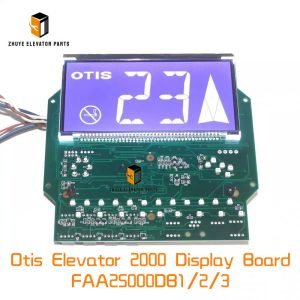
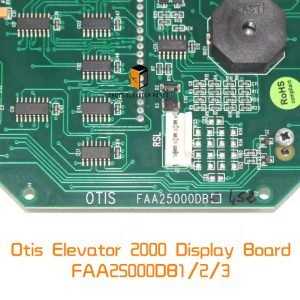
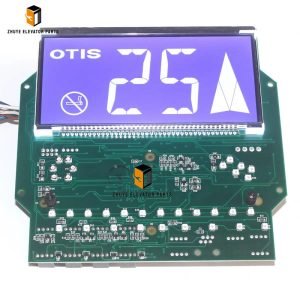
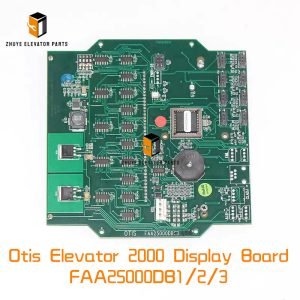
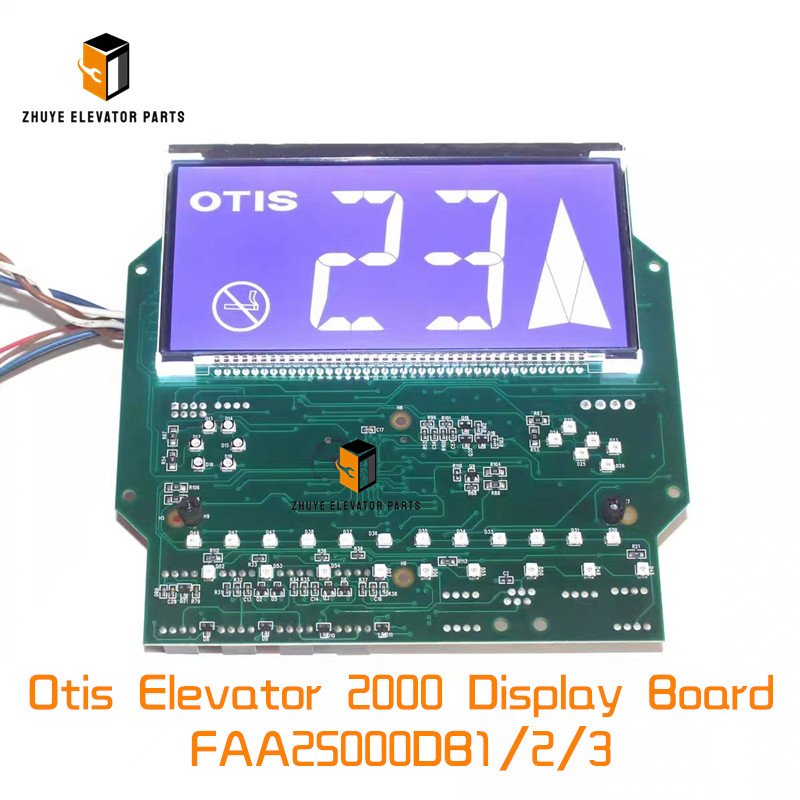
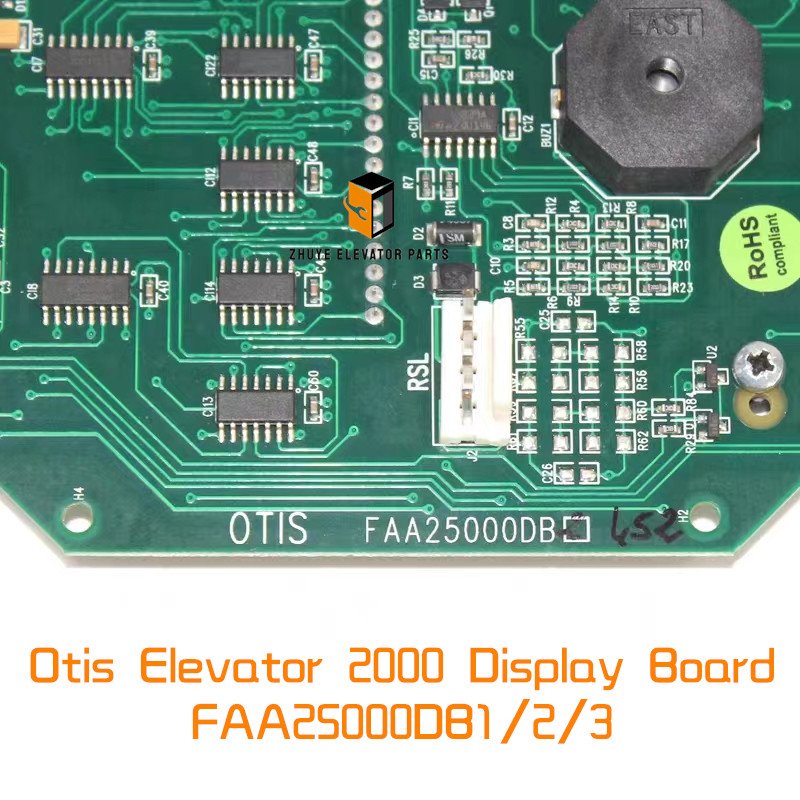
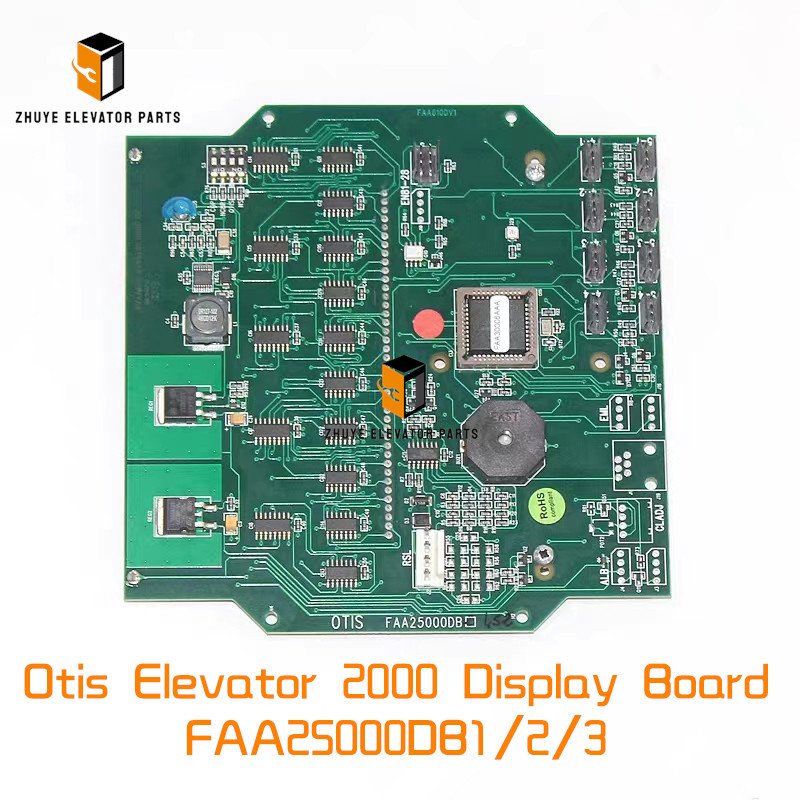
Otis Elevator 2000 Display Board FAA25000DB1/2/3 Brief Introduction
|
Product Name |
Otis Elevator 2000 Display Board |
| Model Number | FAA25000DB1/2/3 |
|
Quality
|
Original.Brand New
|
|
Payment
|
T/T. Paypal. Western Union
|
|
Delivery
|
3-5 Working Days
|
|
Packaging
|
Packed by carton
|
Otis Elevator 2000 Display Board FAA25000DB1/2/3 – Installation, Calibration & Replacement Guide
Provided by Nanjing Zhuye Elevator Parts
Provided by Nanjing Zhuye Elevator Parts
Summary
The FAA25000DB1/2/3 is the 10.1-inch full-colour TFT display at the heart of every Otis Elevator 2000 (OE2K) car operating panel. It renders floor numbers, arrows, videos and service messages via 1280 × 800 pixels and 400 cd/m² brightness, while resisting vibration, coffee spills and static discharge. Nanjing Zhuye Elevator Parts (NYE) has imported, burned-in and stocked genuine FAA25000DBx units since 2015, shipping over 3 800 displays to 41 countries. Below we explain how to mount, address and—crucially—when to replace this “digital face” before backlight fade or a cracked touchscreen turns a smooth ride into a blank screen.
The FAA25000DB1/2/3 is the 10.1-inch full-colour TFT display at the heart of every Otis Elevator 2000 (OE2K) car operating panel. It renders floor numbers, arrows, videos and service messages via 1280 × 800 pixels and 400 cd/m² brightness, while resisting vibration, coffee spills and static discharge. Nanjing Zhuye Elevator Parts (NYE) has imported, burned-in and stocked genuine FAA25000DBx units since 2015, shipping over 3 800 displays to 41 countries. Below we explain how to mount, address and—crucially—when to replace this “digital face” before backlight fade or a cracked touchscreen turns a smooth ride into a blank screen.
-
Part-number breakdown FAA25000DB1 = base 10.1″ TFT, 1280 × 800, 400 cd/m², 24 VDC, HDMI + USB touch, IP41 front
DB2 = DB1 + PCAP 10-point touch, anti-glare coating, 0.5 A self-resetting fuse
DB3 = DB2 + 1 GB on-board flash, cloud-connect TLS 1.3, hot-swap fan header
All variants: 24 VDC ±10 %, 1.5 A typical, 2 A peak, –10 °C…+50 °C, MTBF 50 kh @ 25 °C -
Safety first—lock-out & verify Display sits on 24 VDC logic but shares the cabinet with 110 VDC brake circuits. Lock the controller breaker, hang a lock-out tag and wait 60 s for the rail to fall below 5 V. Keep the new NYE display in its anti-static bag until mounting—ESD can damage the PCAP controller.
-
Mechanical mounting—keep it centred Front bezel: 275 × 185 mm, cut-out 260 × 170 mm ±0.5 mm.
Insert from front, clip into 2 mm steel or 3 mm aluminium; torque M3 studs 0.8 N·m.
Maintain 10 mm air gap behind PCB; every 5 mm reduction raises internal temperature 3 °C and halves LED life. NYE supplies a free paper template (NY-TEMPLATE-FAA25) and EMI gasket (NY-GASK-FAA25) for IP54 front. -
Connection map (print and stick inside COP) J1: 24 VDC & 0 V (red/black, 1.5 mm²)
J2: HDMI video (shielded, <1 m)
J3: USB touch (shielded, <1 m)
J4: 3.5 mm audio (optional)
J5: RS-485 for brightness/touch calibration (3.3 V logic)
Torque: 0.3 N·m for 0.5 mm², 0.8 N·m for 1.5 mm² -
Power-up & display test Apply 24 VDC; backlight must light within 1 s, Linux penguin appears in 8 s.
Touch all four corners; controller must report <2 mm error.
Colour bars: R-G-B-W; no dead pixels, no line shadow.
If brightness <320 cd/m² or >3 dead pixels, replace unit immediately. -
Brightness & touch calibration Software: Otis Display Cal Tool (free).
Target: 400 cd/m² @ 20 mA, colour temp 6 500 K, gamma 2.2.
Touch accuracy: ±1 mm over active area; save settings to EEPROM (J5 register 0x01).
If calibration drifts >2 mm after 30 days, PCAP glass is delaminating—replace display. -
Temperature & lifetime model LED backlight: 30 000 h to L70 @ 25 °C, halves every 10 °C rise.
Capacitor C1 (47 µF, 35 V): 2 000 h @ 105 °C, 64 kh @ 45 °C.
Translate to building traffic: Light traffic (residence, 8 h/day) – backlight ≈ 17 years, full display ≈ 12 years; inspect every 3 years. Medium traffic (office, 12 h/day) – backlight ≈ 8 years, full display ≈ 6 years; inspect every 2 years. Heavy traffic (mall, 20 h/day) – backlight ≈ 4 years, full display ≈ 3 years; inspect every 12 months. -
Preventive inspection checklist Monthly: visual dead pixels, touch all corners. Quarterly: measure 24 VDC ripple; >200 mV pp indicates supply fatigue. Annually: lux-meter check; <320 cd/m² schedules replacement. Bi-annually: torque test J1 screws; vibration loosens them, causing intermittent blackout.
-
Wear limits & immediate-change triggers
3 dead pixels or line defect.
Touch unresponsive area >10 mm Ø.
Backlight flicker >1 Hz at any brightness.
Capacitor C1 ESR >2 Ω or bulging.
-
Rapid swap (downtime < 3 min) a) Lock-out controller, wait 60 s.
b) Photograph cable colours with phone.
c) Remove bezel screws, slide old display out.
d) Insert new NYE FAA25000DB1/2/3, torque 0.8 N·m.
e) Restore cables, power up, run calibration.
f) Log serial number and brightness reading; return old unit for recycling. -
Recycling & sustainability Nanjing Zhuye offers prepaid UPS labels inside every carton.
Returned displays are stripped: glass recycled for industrial aggregate, copper coil remelted, precious metals recovered from PCB. One recycled FAA25000DBx saves 2.3 kg CO₂—enough to power the same COP for a month.
By treating the FAA25000DB1/2/3 as the digital face of the elevator—not just another “screen”—you eliminate dark spots, reduce call-backs and keep passengers confidently informed.
Specify Nanjing Zhuye genuine stock, follow the backlight-life table above, and the only thing your passengers will ever see is crisp, bright, reliable information—ride after ride, year after year.
Specify Nanjing Zhuye genuine stock, follow the backlight-life table above, and the only thing your passengers will ever see is crisp, bright, reliable information—ride after ride, year after year.