

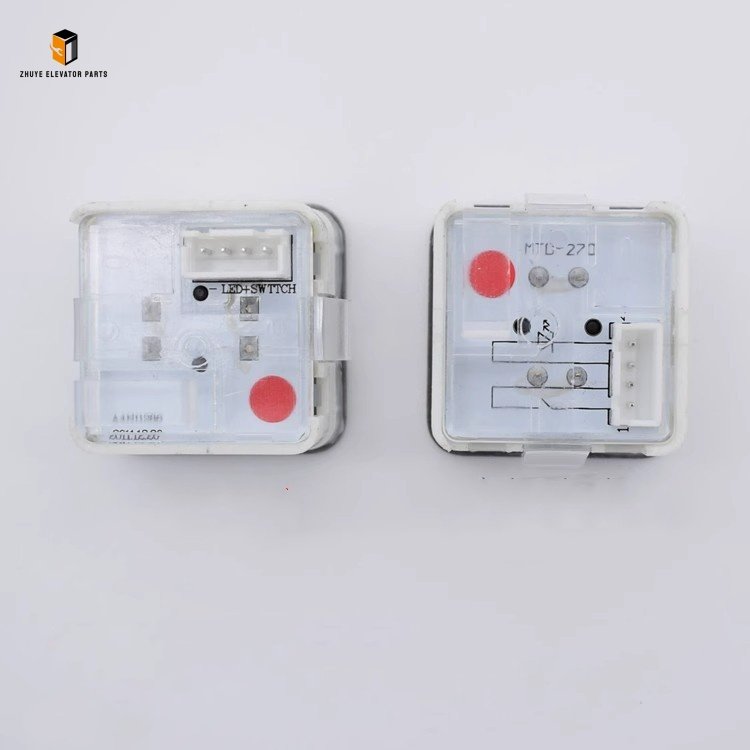
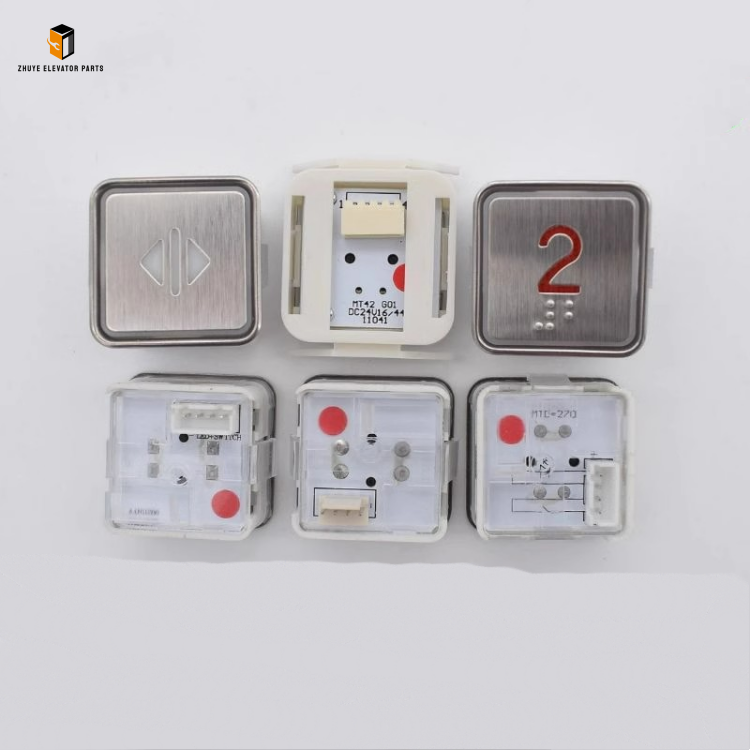
Description
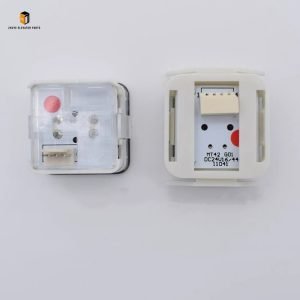
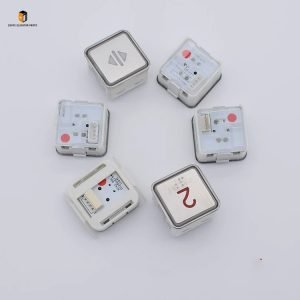
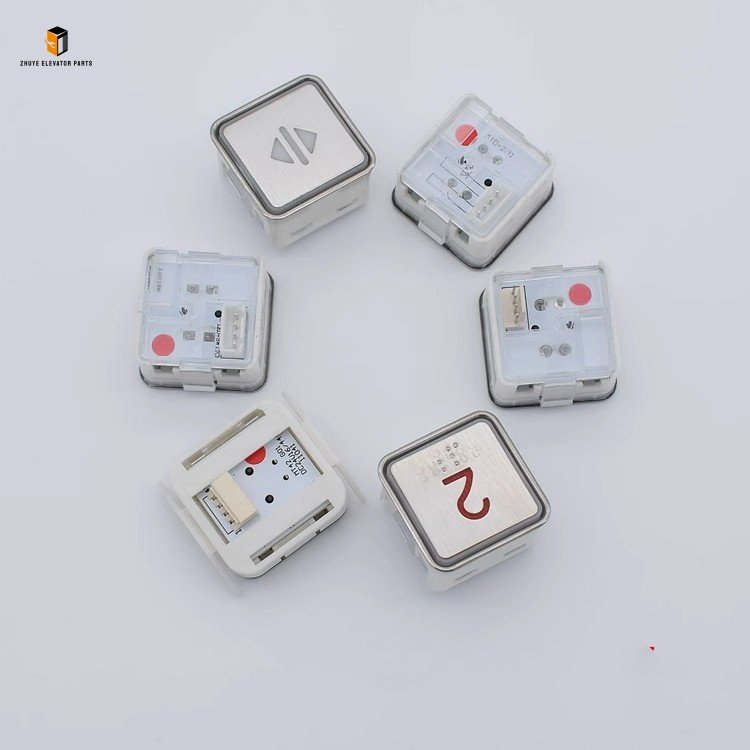
Elevator push button MT42 MTD270 KA301 A4N11286 Brief Introduction
|
Product Name |
Elevator push button |
| Model Number | MT42
MTD270 KA301 A4N11286 |
|
Quality
|
Original.Brand New
|
|
Payment
|
T/T. Paypal. Western Union
|
|
Delivery
|
3-5 Working Days
|
|
Packaging
|
Packed by carton
|
Elevator Push Buttons MT42, MTD270, KA301, A4N11286: Reliable Control for Elevator Operation
In the elevator control system, the push button is a critical human-machine interaction component that directly connects passengers and the elevator operation system, playing a vital role in ensuring the accuracy and efficiency of elevator calls. The elevator push buttons MT42, MTD270, KA301, and A4N11286, exclusively supplied by Nanjing Zhuye Elevatorparts—a professional and trusted distributor of high-quality elevator components—are engineered in strict accordance with international elevator safety standards. These four models feature durable structures, sensitive response, and wide compatibility, perfectly matching various mainstream elevator brands and models. Widely applied in residential buildings, commercial complexes, office buildings, and public facilities, they provide reliable call control support for elevator systems worldwide.
Proper Usage Methods of Elevator Push Buttons MT42, MTD270, KA301, A4N11286
The MT42, MTD270, KA301, and A4N11286 share consistent core usage protocols, with minor adjustments based on model-specific installation dimensions. Correct installation, daily operation, and regular maintenance are key to ensuring their reliable performance and long service life. Follow these guidelines:
1. Installation & Commissioning
Prior to installation, confirm the correct model matching (MT42, MTD270, KA301, or A4N11286) with the specific elevator control system by referring to Nanjing Zhuye Elevatorparts’ detailed compatibility manual. Professional technicians are required for the installation process, which includes the following steps:
-
First, thoroughly clean the installation hole on the elevator operation panel to remove dust, oil stains, and debris, ensuring a smooth fitting surface for the push button.
-
Insert the push button into the installation hole, and fix it firmly using the matching fixing clips or screws. For different models, pay attention to the installation direction and depth: ensure the button surface is flush with the operation panel, and there is no looseness or tilting. The tightening torque (if using screws) should comply with the technical requirements (typically 5–8 N·m) to avoid damaging the button shell or the operation panel.
-
Correctly connect the button wiring: According to the wiring diagram provided by Nanjing Zhuye Elevatorparts and the elevator manufacturer, connect the button’s signal wires to the corresponding terminals of the elevator control panel. Ensure the wiring is tight and reliable, and the wire insulation layer is intact to avoid short circuits or poor contact. Pay special attention to the positive and negative poles of the indicator light wires to ensure the indicator light works normally after power on.
-
After installation, conduct commissioning: Power on the elevator control system, press each push button in turn to check if the response is sensitive (response time ≤0.5 seconds), if the indicator light is on normally (clear and non-flickering), and if the elevator can accurately receive the call signal. If there is a delay in response or abnormal indicator light, recheck the wiring and installation status and adjust in time.
2. Daily Operation & Routine Inspection
Regular daily inspections are essential to detect potential faults early and ensure the normal use of the push buttons. Maintenance personnel and elevator users should pay attention to the following points:
-
During daily use, avoid pressing the button with excessive force (the recommended pressing force is 1–3 N) to prevent damage to the internal contact components. Do not use sharp objects to touch the button surface to avoid scratching the indicator area.
-
Carry out weekly visual inspections: Check the appearance of MT42, MTD270, KA301, and A4N11286 for damage, such as scratches or cracks on the button surface, looseness of the button body, and damage or falling off of the indicator light cover. Wipe the button surface with a clean, damp cloth regularly to remove dust and fingerprints, and dry it immediately to avoid water entering the internal structure.