Description
1. Full Supply Chain For Otis, Kone, Schindler, Mitsubishi, Thyssenkrupp Elevator Lift and Escalator All Brand Spare Parts
2. 100% Original New with one year free Guarantee.
3. Fast Delivery
4. Huge Customer From European
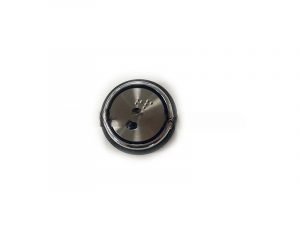
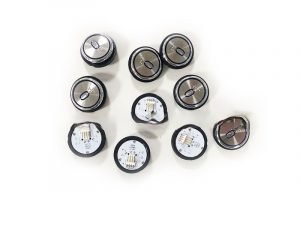
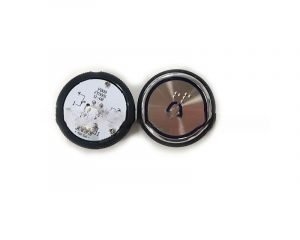
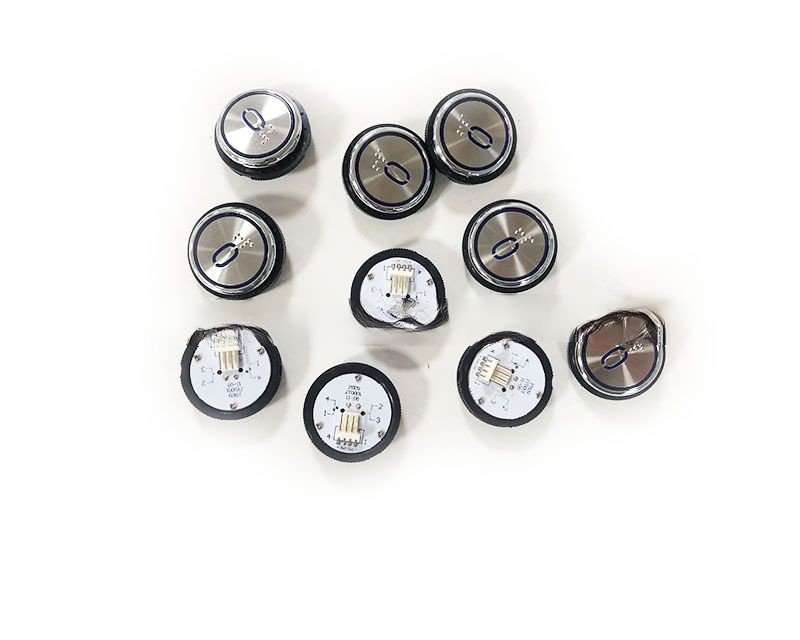
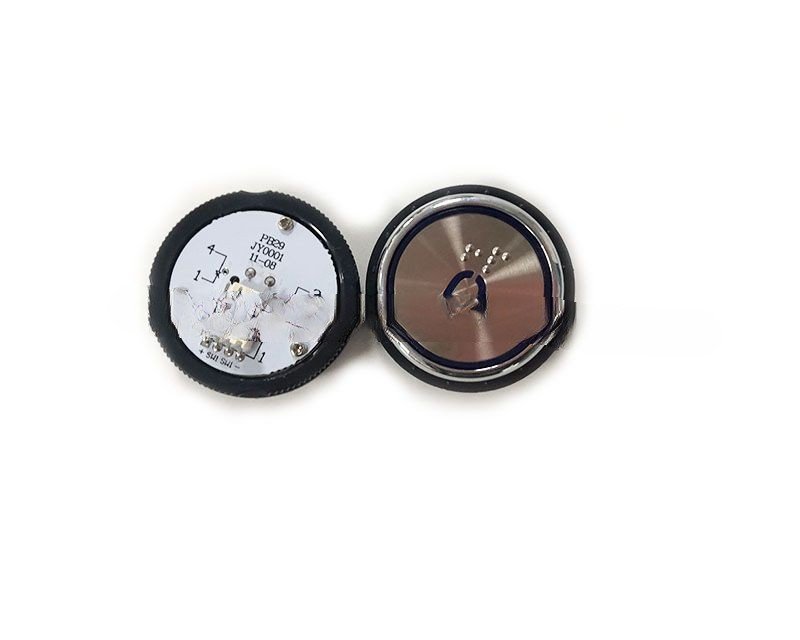
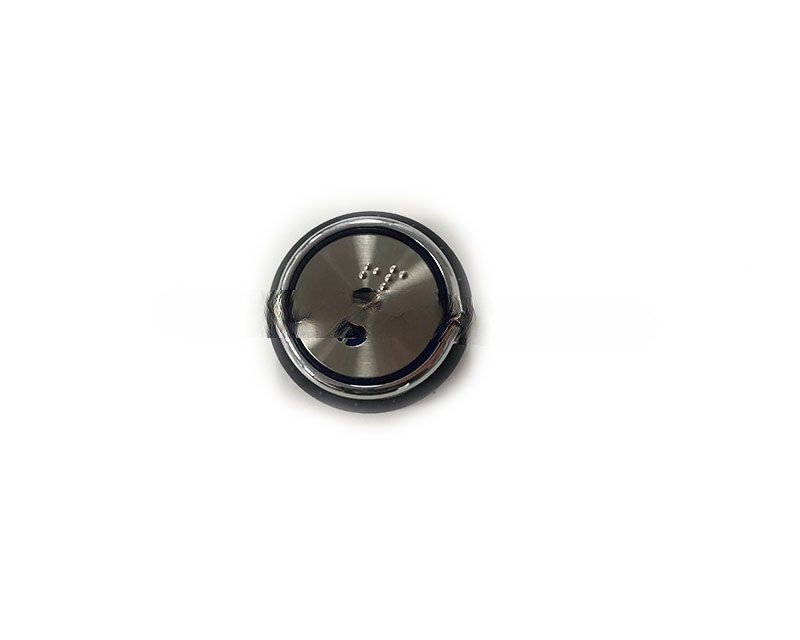
| Product Name: | Elevator button |
| Model Number: | PB29 |
| Brand: | Elevator button |
| Feature: | 100% Original New |
| Guarantee: | One Year Free Guarantee |
| Delivery Time: | 3-5working days once get the payment |
Elevator Button PB29 – Usage, Replacement Cycle & Maintenance Guide
By Nanjing Zhuye Elevatorparts
—
Introduction
The PB29 elevator button is a premium, illuminated push-button designed for modern elevator cars and landing panels. Manufactured and distributed worldwide by Nanjing Zhuye Elevatorparts, this IP54-rated unit meets EN 81-20/50, ASME A17.1 and UL standards, delivering reliable operation, low-noise feedback and long-life illumination.
1. Product Highlights
– Contacts: 1 NO + LED, 3 A @ 24 V DC, silver-plated
– LED: 24 V, <20 mA, red/green/blue/white options
– Housing: IP54 ABS, anti-UV, -20 °C to +70 °C
– Life: 1 million+ mechanical cycles, 2–4 N tactile force
– Mounting: Snap-fit 30 mm hole, no screws required
2. Installation Method
Step 1 – Preparation
De-energise the control panel; lock-out/tag-out and verify zero energy. Record serial number and LED colour code.
Step 2 – Mounting
Remove old button by pressing side latches; insert PB29 into 30 mm Ø cut-out until it clicks. Ensure face flush for IP54 seal.
Step 3 – Wiring
Route 2-core 0.75 mm² cable through PG9 gland. Connect NO contact and LED to 24 V DC ±10 %. Torque screws to 0.6 N·m; earth housing if metal.
Step 4 – Commissioning
Power-up; press button 20× – verify clean LED illumination and controller acknowledgment. Apply calibration sticker dated by technician.
3. Daily & Preventive Maintenance
Daily (Building Staff)
Visual check – LED bright, no cracks or moisture.
Monthly
Wipe faceplate with 70 % IPA; check for sticking or excessive play.
Quarterly
Measure contact resistance (<100 mΩ) and LED current (<20 mA). Cycle button 100× under load.
Annually
Replace button if tactile feel deteriorates or LED brightness drops below 70 %.
4. Replacement Cycle & Indicators
| Duty Cycle | Replace Every | Cycles | Warning Signs |
| Standard residential | 5–7 years | 1 M | Contact >500 mΩ, LED dim |
| Commercial / hospital | 3–4 years | 500k | Cracks, burns, tactile collapse |
| 24/7 metro | 2–3 years | 300k | Frequent “button fault” logs |
Replace immediately if:
– Contact resistance >1 Ω or LED failure
– Physical damage or water ingress (IP54 compromised)
– Repeated “button fault” without external cause
Maintain one spare PB29 per 25 buttons for <4-hour response.
5. Why Choose Nanjing Zhuye Elevatorparts?
• Full traceability – laser-etched serial & QR code
• Same-day global dispatch via DHL/FedEx Express
• 24/7 multilingual hotline and on-site training
• Competitive tiered pricing and custom LED colours for OEM projects
6. Conclusion
The PB29 button is small but mission-critical. By following the installation, testing, and replacement guidelines—and sourcing only from Nanjing Zhuye Elevatorparts—you guarantee code compliance, reduce downtime, and enhance passenger experience.