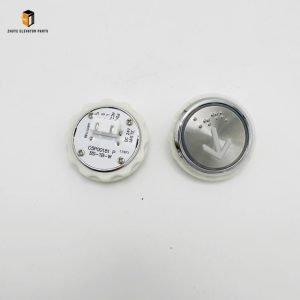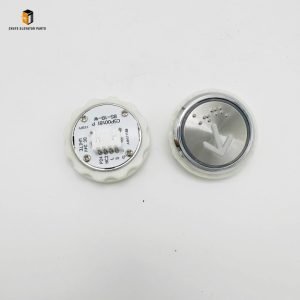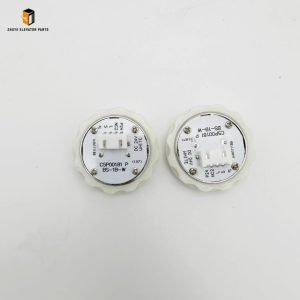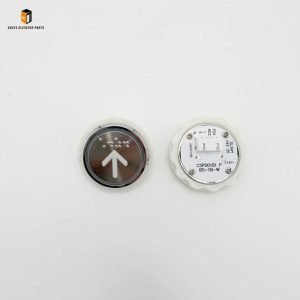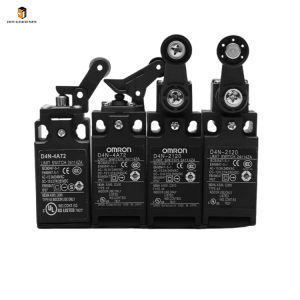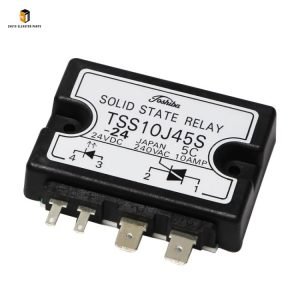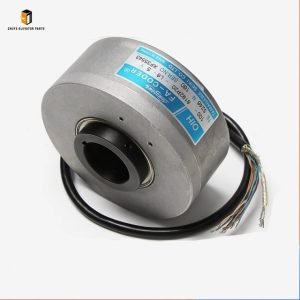
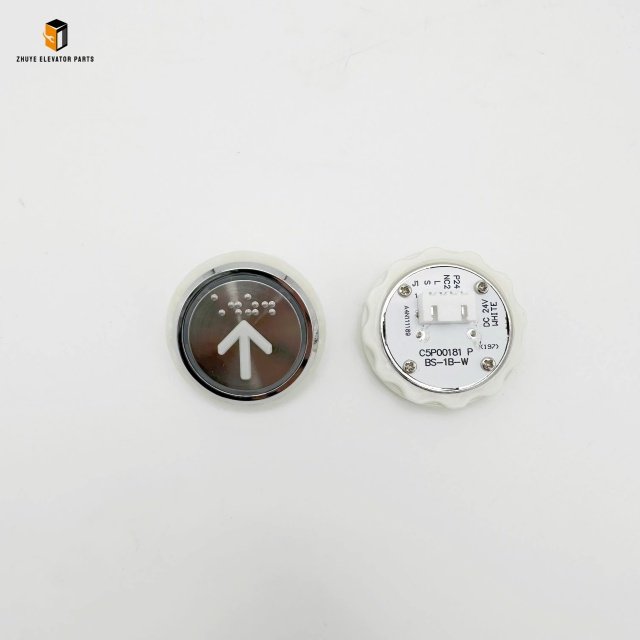
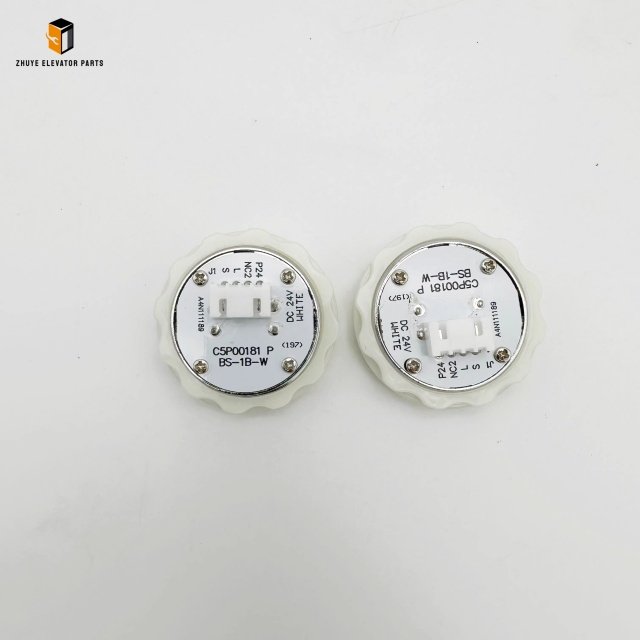
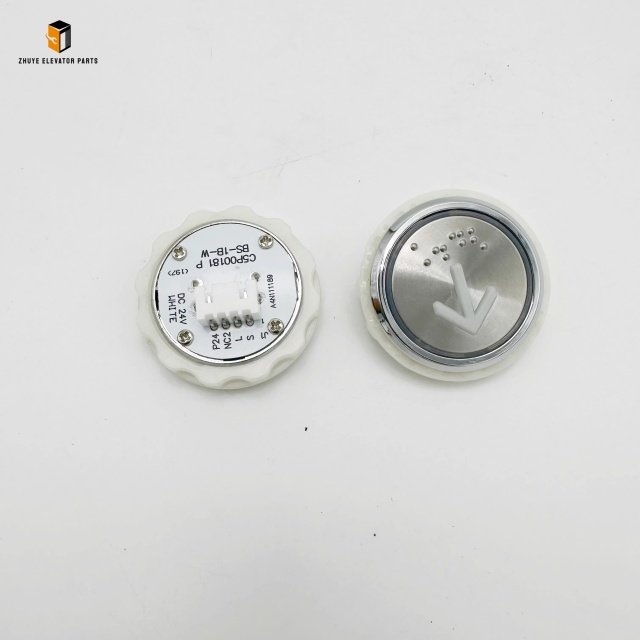
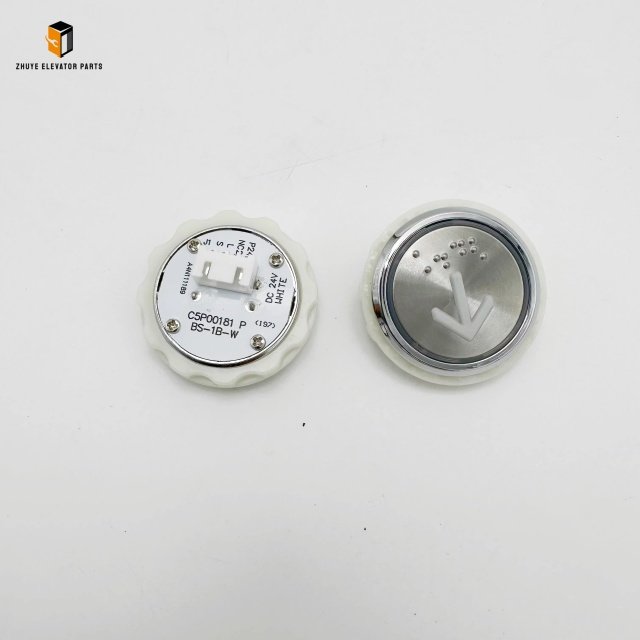
Description
Elevator Buttons
|
Product Name |
Elevator Buttons |
| Model Number | A4N111189
A4J111188 |
|
Quality
|
Original.Brand New
|
|
Payment
|
T/T. Paypal. Western Union
|
|
Delivery
|
3-5 Working Days
|
|
Packaging
|
Packed by carton
|
Elevator Buttons C5P00181 – Usage, Replacement Cycle & Maintenance Guide
by Nanjing Zhuye Elevatorparts
INTRODUCTION
The C5P00181 illuminated push-button is engineered for modern elevator car and landing operating panels. Supplied worldwide by Nanjing Zhuye Elevatorparts, this three-position, one-normally-open contact button combines crisp tactile feedback with long-life LED indication, meeting EN 81-20/50 and UL 508 standards. The following 800-word guide details correct installation, daily operation, and the recommended replacement schedule to keep every lift running smoothly and safely.
1. PRODUCT HIGHLIGHTS
– 24 V DC LED ring (red, green, blue, or white) <20 mA current draw
– 3 A @ 250 V AC silver-plated contacts for reliable switching
– IP54 ABS housing resists dust, moisture, and cleaning chemicals
– 1 million+ mechanical cycles with tactile force 2–4 N
– Snap-in 30 mm mounting sleeve—no screws required
2. INSTALLATION METHOD
Step 1 – Preparation
De-energise the control panel; lock-out/tag-out verified with a multimeter. Record serial number and LED colour code from the label.
Step 2 – Mounting
Remove the old button by pressing side latches; insert C5P00181 into the 30 mm Ø cut-out until it clicks. Ensure the button face is flush with the panel to maintain IP54 integrity.
Step 3 – Wiring
Connect NO contact to the controller input as per Nanjing Zhuye wiring diagram. Route 24 V DC ±10 % to the LED terminals observing polarity; use 0.5 mm² ferrules and torque screws to 0.6 N·m.
Step 4 – Commissioning
Restore power and press the button 20 times; verify clean LED illumination and controller acknowledgment. Seal the panel and affix a calibration sticker dated by the technician.
3. DAILY & PREVENTIVE MAINTENANCE
Daily (Building Staff)
Visual check—LED must light immediately and extinguish when released. Ensure the button surface is not cracked or loose.
Monthly
Wipe the faceplate with 70 % IPA and lint-free cloth. Check for sticking or excessive play.
Quarterly
Measure contact resistance (<100 mΩ) and LED current draw (<25 mA). Cycle the button 50 times under load to confirm mechanical integrity.
Annually
Replace the button if tactile feel deteriorates or LED brightness drops below 80 %.
4. REPLACEMENT CYCLE & INDICATORS**
Standard Duty: 5–7 years or 1 million cycles
High-Traffic: 3–4 years or 500,000 cycles
Mandatory Replacement Signs
– LED flicker, colour shift, or total failure
– Contact resistance >500 mΩ
– Cracks, burns, or tactile collapse
– Frequent “button fault” logs in the controller
Maintain one spare C5P00181 per 25 elevators for <4-hour field response.
5. WHY CHOOSE NANJING ZHUYE ELEVATORPARTS?
• Full traceability—laser-etched serial and QR code on every unit
• Same-day dispatch to 60+ countries via DHL/FedEx Express
• 24/7 multilingual hotline and on-site training
• Competitive tiered pricing and custom LED colours for OEM projects
6. CONCLUSION
The C5P00181 button is small but mission-critical. By following the installation, testing, and replacement guidelines—and sourcing only from Nanjing Zhuye Elevatorparts—property managers and service contractors can ensure code compliance, reduce downtime, and improve passenger experience.